


P6 6インチバイク用CarPlay&Android Autoスクリーン
Shop with confidence


ワイヤレスCarPlay&Android Auto
CPMC P6バイク用スクリーンでよりスマートで安全なライドを。iPhoneやAndroid端末をCarPlayやAndroid Autoでワイヤレス接続し、ケーブルの煩わしさなしにナビ、音楽、通話、メッセージをハンズフリーで利用できます。

ナビゲーション&音楽用バイクスクリーン
P6の6インチバイク用スクリーンは多くのバイクにフィットするよう設計されており、視認性とコンパクトさの完璧なバランスを提供。ナビゲーション、音楽、アプリを、見やすくかつほとんどのハンドルバーに簡単に取り付けられるサイズで楽しめます。

800ニット高輝度ディスプレイ
P6の6インチバイク用スクリーンは800ニットの明るさを持ち、直射日光下でもはっきり見えます。画面の明るさは好みに合わせて調整でき、どんな照明条件でも安全かつ快適に走行できます。

オプションのタイヤ空気圧監視システム(TPMS)
P6のバイク用ディスプレイはオプションのTPMSモジュールと連携可能で、リアルタイムにタイヤ空気圧を監視できます。タイヤの状態を把握し、安全性を高め、安心して走行を楽しめます。

二重電源供給 – ACC & USB
P6のバイク用スクリーンは二つの電源オプションに対応:ACC配線またはUSBケーブルで接続可能。標準的なACC配線のバイクでもUSB電源を好む場合でも、安全かつ便利にスクリーンの全機能を楽しめます。

簡単取り付け – ほとんどのハンドルバーに対応
P6で簡単かつスムーズに取り付けができます。調整可能なマウントは22~26mmのハンドルバーに対応し、安定した振動に強い固定を実現。わかりやすい説明書で複雑な配線や専門的な助けなしに、数分でCarPlayとAndroid Autoの使用を始められます。
P6 寸法とパッケージ


仕様
| モデル名 | P6 |
| システム | Linux |
| メインコントローラー | Allwinner B851S |
| プロセッサー | ARM Cortex-A7 |
| 出力 | 12V / 0.8A |
| 素材 | ABS樹脂 |
| ディスプレイ | 6インチ |
| 表示解像度 | 1440 × 720 ピクセル |
| 輝度 | 800 cd/m² |
| 温度範囲 | -20°C ~ 70°C |
| 保護等級 | IP67 |
| ワイヤレス | Bluetooth 4.2、Wi-Fi 2.4GHz/5.0GHz |
| マウント | 25mm ボールヘッド |
Customer Reviews
I've been very happy with the P6 overall. The unit arrived extremely quickly, the screen is bright and clear, and Android Auto works reliably. For motorcycle use, it offers excellent value and has become a useful addition to my bike.
However, there are two limitations that potential buyers should be aware of:
1. Android Auto icons are too small
The Android Auto interface uses relatively small icons, which can be difficult to see and operate while riding. This becomes even more challenging when wearing motorcycle gloves. A larger icon option or a motorcycle-specific user interface would significantly improve usability and safety.
2. TPMS alarm settings cannot be configured separately for front and rear tyres
The P6 uses the same high-pressure and low-pressure alarm limits for both wheels. This is a problem for many motorcycles because the recommended front and rear tyre pressures are different.
For example, my MT09 Tracer requires:
Front: 37 PSI
Rear: 42 PSI
Ideally, the P6 should allow separate high and low pressure alarm settings for each wheel.
Overall
Despite these issues, I still think the P6 is a very good product and I am pleased with my purchase. If CPMC adds larger Android Auto icons and independent TPMS alarm settings for the front and rear tyres in a future firmware update, it would be an outstanding motorcycle display.
Recommended, but buyers should be aware of these current limitations.
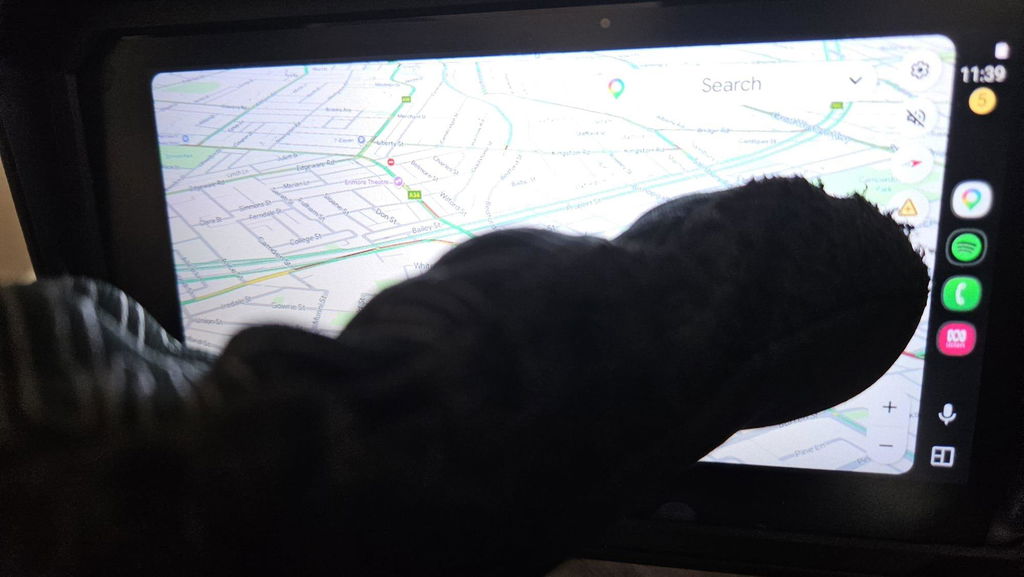
Thank you so much for your detailed and thoughtful review of the P6! We really appreciate you sharing both your positive riding experience and your honest feedback for improvement.
We are glad to hear the fast‑delivery, bright clear screen and reliable Android Auto bring great value for your motorcycle.
We have carefully noted your two valuable suggestions: larger Android Auto icons for glove‑wearing riding, and independent front/rear TPMS alarm thresholds. Both points will be passed directly to our R&D team for evaluation in future firmware updates. Different recommended pressure for front and rear motorcycle tyres is indeed a real‑world pain point for many riders, and we fully understand your concern.
Thanks again for your recognition and constructive advice. Should you have any questions during use, please feel free to contact our support team anytime. Wish you safe and enjoyable rides!
Easy assembly, Excellent value, fast boot time, bright screen, nice easy release
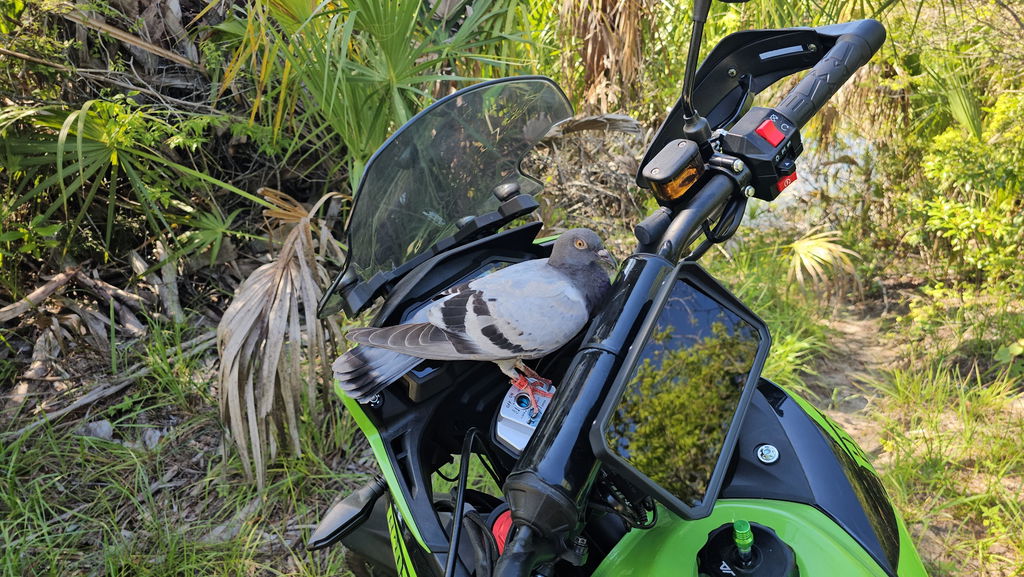
Thank you so much for your fantastic five-star review of our P6 6-inch motorcycle screen!
We’re delighted to hear you appreciate its simple assembly, rapid boot speed, bright display and convenient quick-release design. It means a lot to us that you recognize our product delivers excellent value.
We engineered this unit to bring stable CarPlay and Android Auto experience for motorcycle riders. Wish you countless safe and enjoyable rides ahead!
The device is great and works very well.
But the mount really disappointed me.
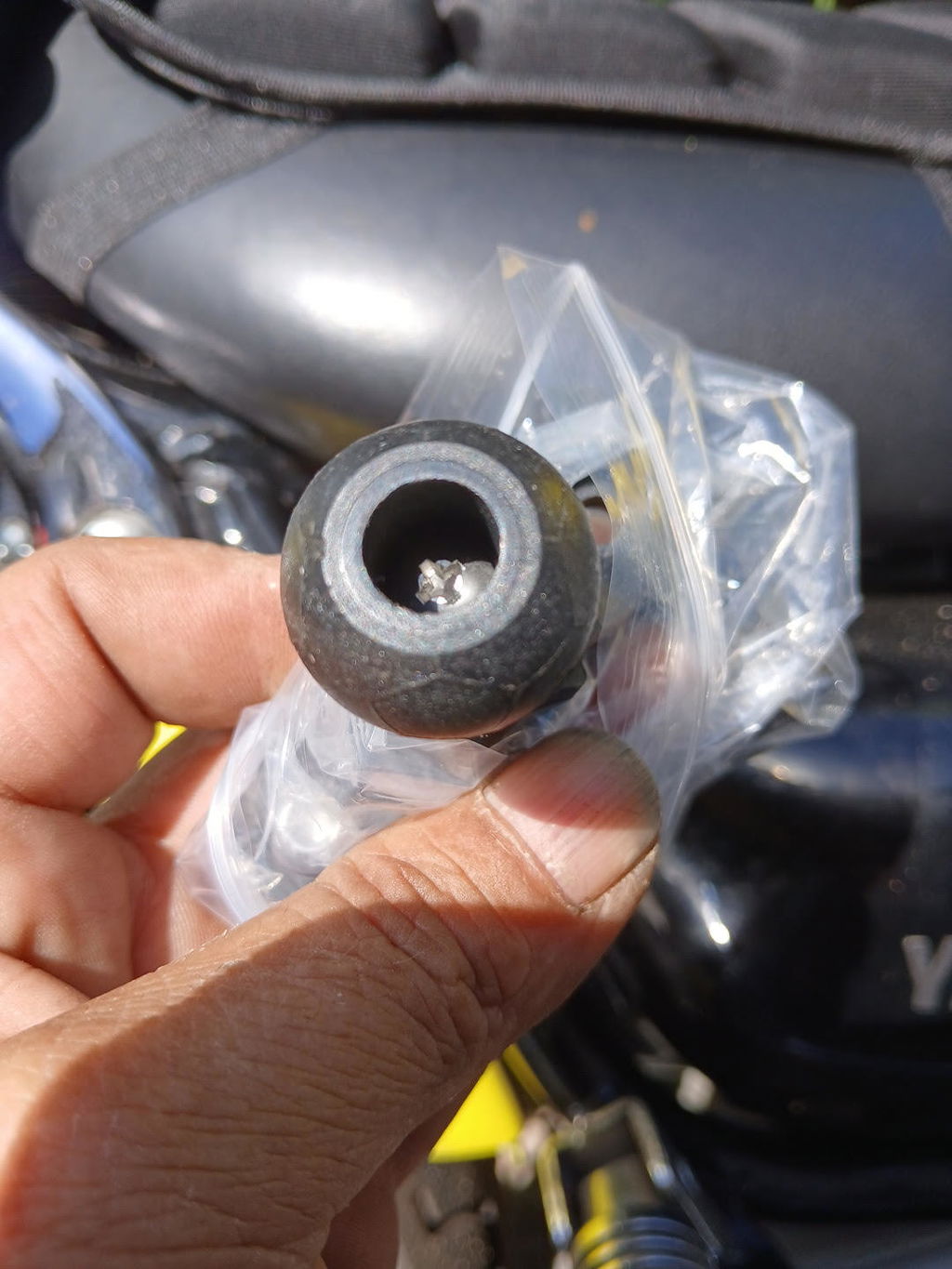
Thanks for your review! Great to know the device works well for you.
We're sorry the mount was disappointing — we'd really like to help. Please contact our after-sales team at support@carplaymotorcycle.com and they'll take care of this for you.
Thanks again for your support!
Veryy good
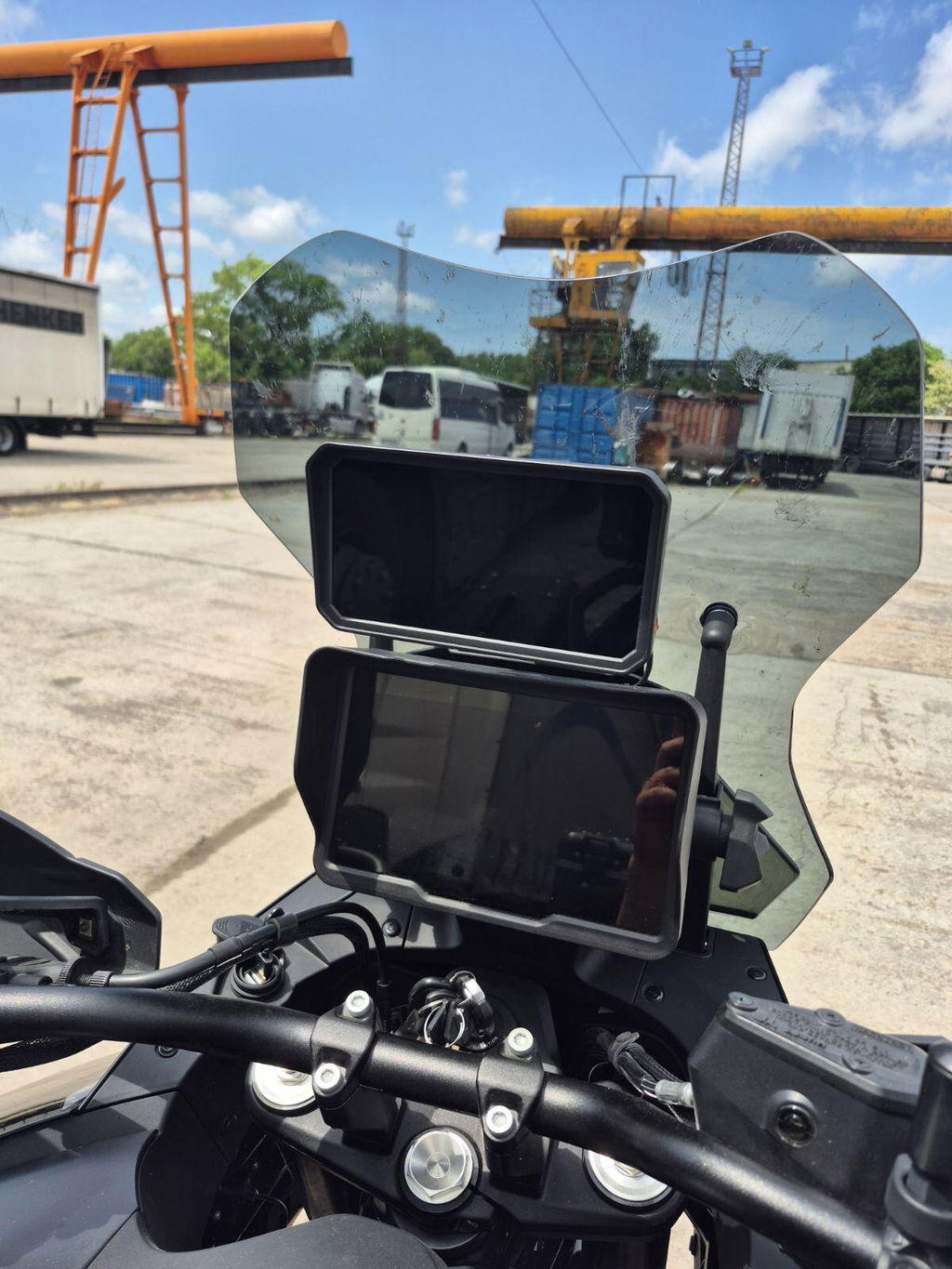
Thank you! Really glad you like it 😊 Feel free to contact us if you need any help later.
It’s perfect
Thank you very much for your praise! We’re delighted the item works perfectly for you. Should you need any after-sales help or firmware support later, feel free to message us anytime.